How to Spot Something Made by AI
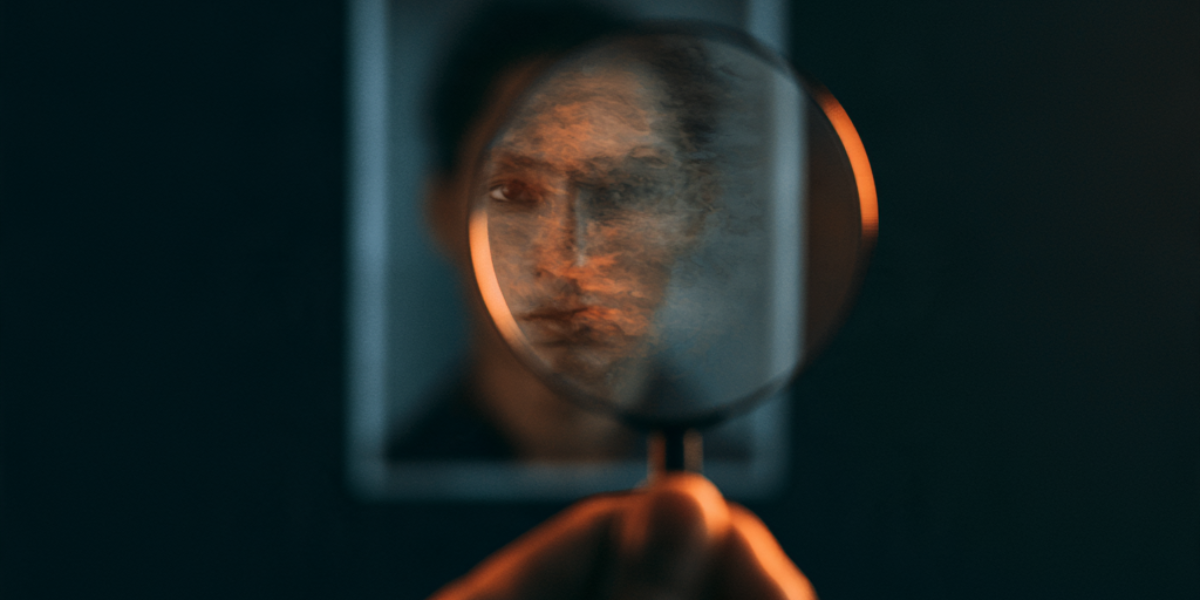
A striking photo spreads across your feed. A politician somewhere they should not be, a celebrity endorsing a product, a disaster that looks all too real, or a stranger pulling off some bizarre dance or stunt that racks up millions of views overnight. It all travels fast, shared and reshared before anyone asks the obvious question. Did this actually happen?
More and more, the answer is no. The image was never taken, the voice was never recorded, the quote was never said. A machine made it, and it is convincing enough to fool a quick glance, which is all most things get these days.
So the trick now is learning to spot it. The good news is you do not need any special software. A short checklist and the habit of using it will get you most of the way there.
Why a Detector Is a Clue, Not a Verdict
Your first instinct might be to paste the thing into an AI detector, one of the sites that promise to tell you whether a machine made it. Go ahead, but do not treat the result as proof. These detectors guess, and they guess wrong in both directions. They flag real human work as fake, which has already cost students falsely accused of cheating, and they miss plenty of actual AI, especially once a file has been edited. A confident "98% AI" on the screen is not a verdict. It is one opinion, and an unreliable one. Let it make you look closer, never let it decide for you.
So if the tool that is supposed to catch fakes cannot settle it, what can? Two things: where the file came from, and what your own eyes can still catch.
Where Did It Come From?
Instead of asking whether something is AI, ask where it came from and whether you can trace it. The industry is building tools to answer exactly that.
The first piece is called Content Credentials. Think of it as a nutrition label attached to a file. It travels with the image and records how that image was made and edited, and whether AI had a hand in it. Adobe, the major camera makers, and the big AI companies have signed on, so more of what you see now carries this hidden history. The label can be stripped off, so its absence proves nothing. But when it is there, it tells you a lot.
The second piece is a watermark. Google built a system called SynthID that stamps an invisible marker into the images, video, and audio its AI creates. Other companies have started adopting it too. You cannot see the mark, but a checking tool can, and billions of files now carry one. These checkers are limited. They mostly confirm a file came from a certain company's AI rather than catching every fake. It is narrow, but unlike the detectors, it is not guessing.
What Your Own Eyes Can Still Catch
The technology is not everywhere yet, so your own judgment is still the front line. A few tells hold up.
Look at hands, teeth, and text. AI still fumbles fingers, stray letters on signs, and the fine print in the background. Check for the uncanny smoothness, skin and surfaces that look a little too flawless, light that falls from no clear direction. In video, watch the mouth and the blinking, which often lag the words.
Then step back from the pixels and check the context, which is where most fakes fall apart. Who posted this, and would they know? Is any real news outlet reporting it, or just anonymous accounts? A quick search of the claim, or a reverse image search to find where a picture first appeared, settles most of it. The fake usually has no credible origin, only a lot of shares.
Safe Harbor: Three Things You Can Do This Week
- Pause before you share. The fakes that spread are the ones people pass along on reflex, usually because they are angry or amazed. Make "do I actually know this is real?" the step before you hit share.
- Try a reverse image search once. It finds everywhere a picture has shown up online, which tells you whether a photo is really what it claims to be. Google Images and TinEye both do it from your phone. Run it on any photo today, so you know how when it counts.
- Trust the source over the image. A real event shows up in more than one credible place. If a shocking photo exists only on random accounts and nowhere a newsroom would report it, treat it as fake until proven otherwise.
Next week: We get into some recent news.